
File Window
Upload, share, and manage files across every session, automatically synced to your Knowledge Base.
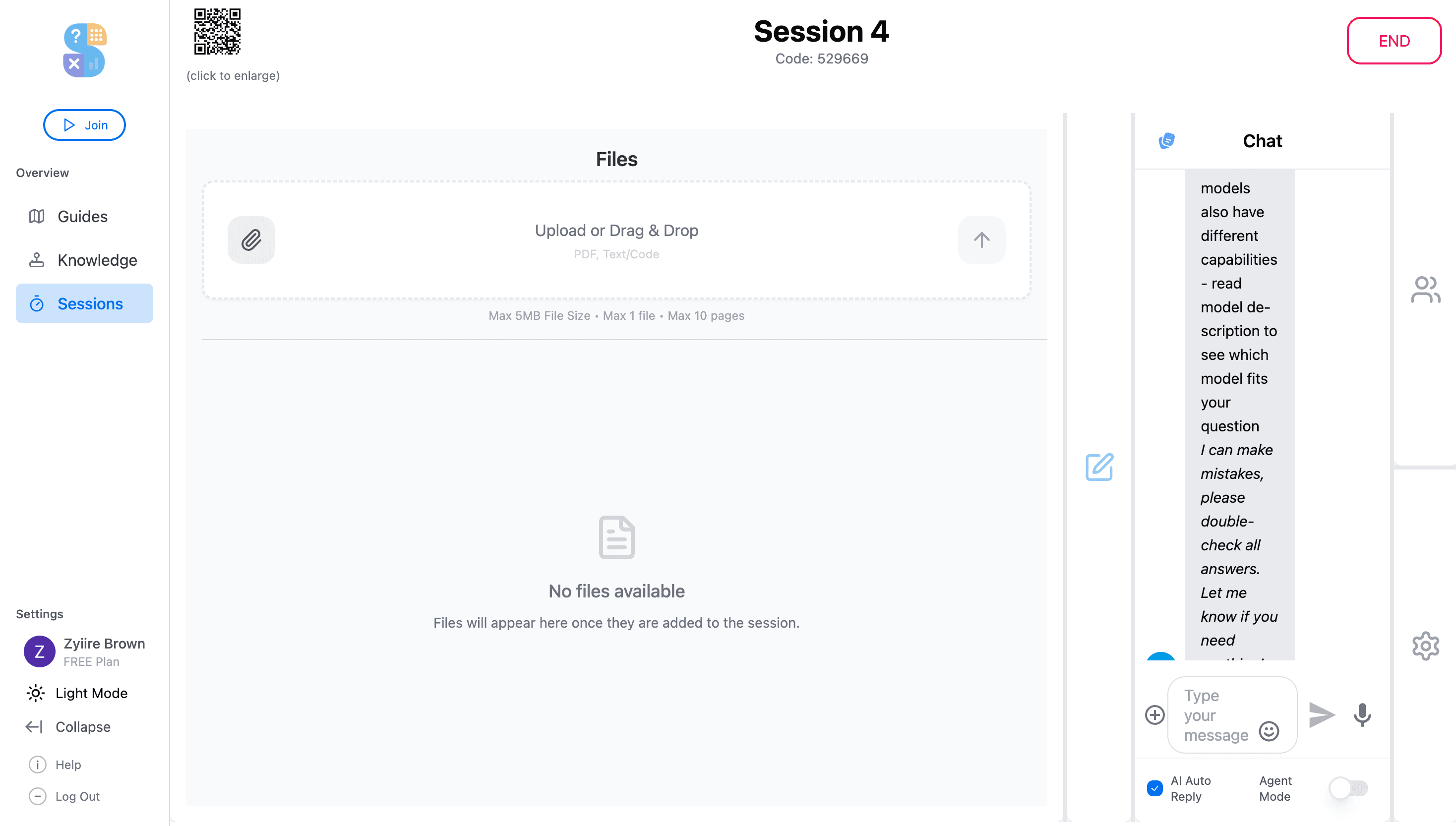
The File Window is your central hub for everything document-related inside Thytus. Drag and drop any file type into the session and it's instantly available to every participant and AI agent. No more emailing attachments or re-uploading the same document. Everything persists in your Knowledge Base for future sessions.
Key Highlights
Drag & Drop Uploads
Click to browse or drag files directly into the window. Supports PDFs, documents, spreadsheets, images, video, audio, and code files.
Instant Session Sharing
Every file you upload is immediately visible to all participants and AI agents in the session. No separate sharing step required.
Persistent Knowledge Base
Uploaded files are automatically saved to your Knowledge Base, so you can reference them across future sessions without re-uploading.
What you can do
Multi-Format Support
Upload PDFs, Word docs, Excel spreadsheets, images, video, audio, and code files. They're all processed and indexed instantly.
Cloud Integration
Import files directly from Google Drive and Dropbox without downloading them to your device first.
Versioning & History
Track changes to files over time and revert to previous versions when needed.
Automatic AI Indexing
Every file you upload is automatically parsed and made available as context for your AI agents to reference.
Try the File Window today
Get started for free and experience file window powered by collaborative AI.
Get Started for Free